Configure
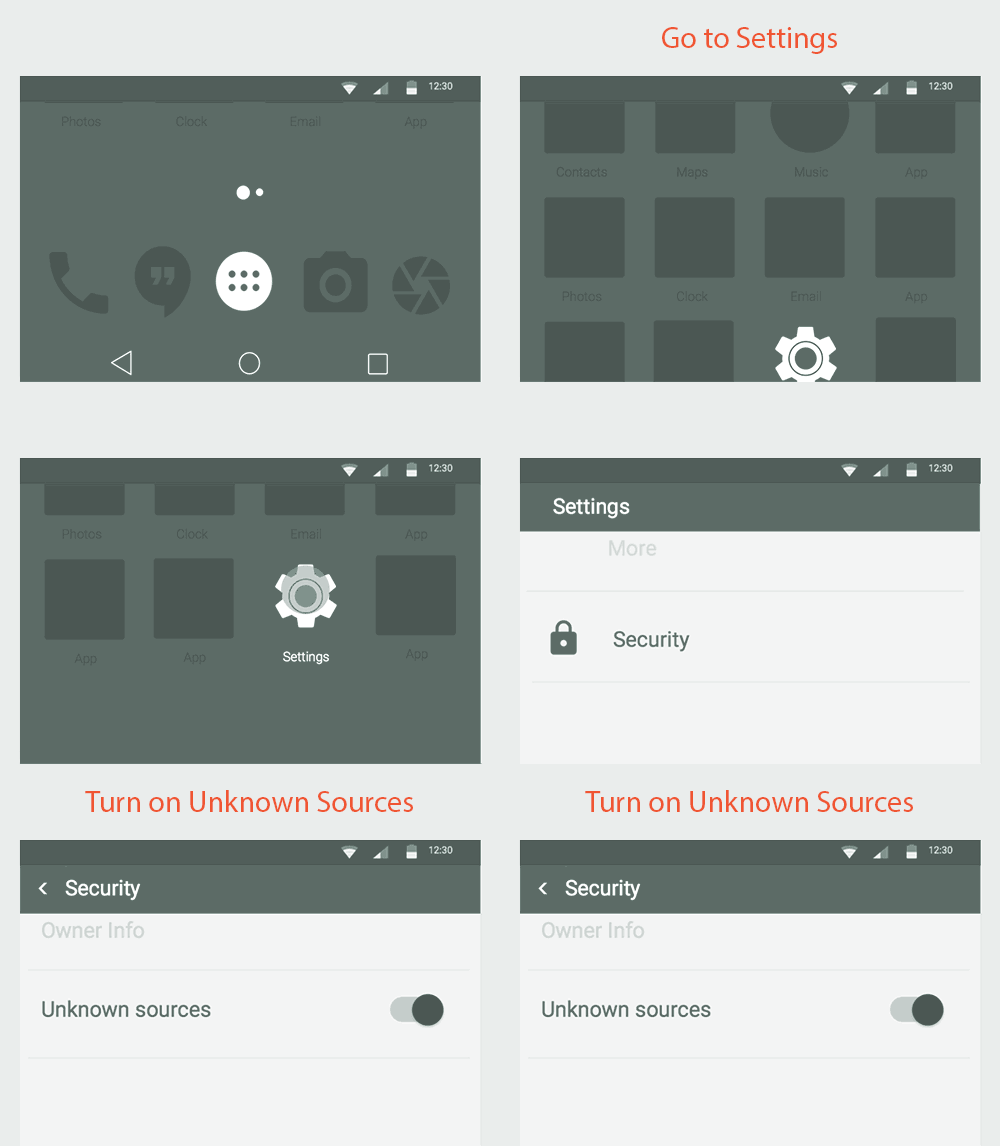
In order to install OwnSpy on your device you will need to set up your device to accept apps from unknown sources.
To do so please open Settings, click on Security and check Unknown Sources.
Disable Play Protect

Make sure to disable Play Protect and others security apps that may prevent OwnSpy from running
Download

When downloaded open your notification window and install it from there.
Install OwnSpy

Once OwnSpy is installed you will find a new icon on your device.
Open this new app and enter your email address and password to register your device.
Install OwnSpy